New export options, individual multibrand styles, llms.txt, change reports and more
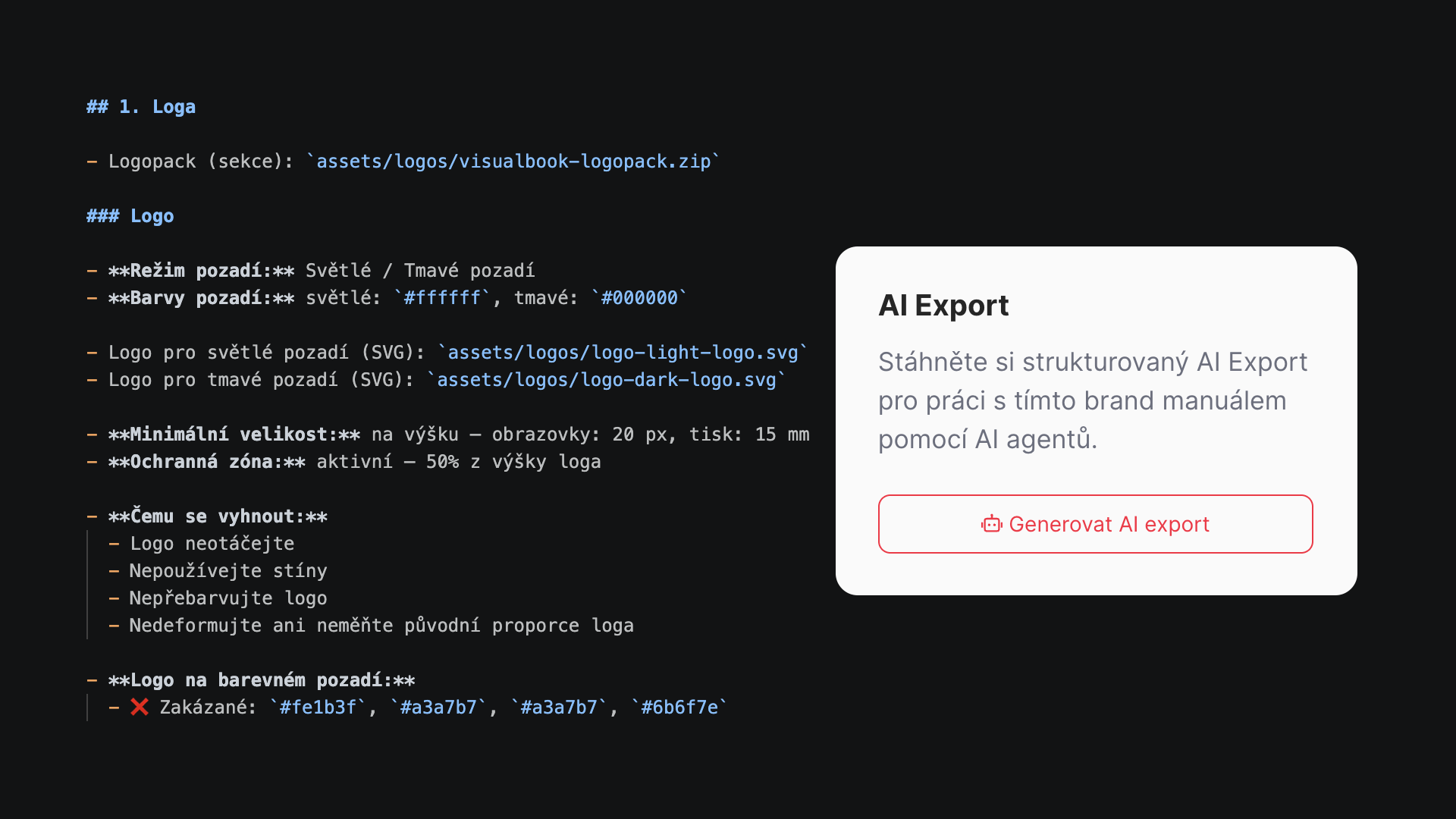
AI export:
- Public and complete AI export (ZIP + Markdown for tools/LLMs); in multibrand mode you pick a sub-brand and see an overview of recent exports per brand.
- In onebrand mode the layout and behaviour match the static exports (a separate "Generate", below it a line with time/expiry and compact Download / Copy / Delete actions, including the same feedback when copying).
- Option to enable the generate button directly on the manual's homepage
- A public text file at
/llms.txt(on multilingual sites also/cs/llms.txtetc.) – an overview of the public sections of the manual, links to the sitemap and search, and brief rules for tools and LLMs. Protected pages are not listed; the full content stays only in the panel export for authorised users.
Offline export
- Added a separate offline static export (ZIP) alongside the online export – its own block in the panel with the same workflow (generate, download, copy link, delete, expiry).
- Useful for a local backup, internal presentations and meetings, handing over to a colleague or an archive snapshot outside your hosting.
Change history
- A new edit history report in the admin – an overview of what changed in the manual, by whom and when (tied to the daily e-mail report).
Panel performance (files and pages)
- Faster Files and Pages tabs: cached categories, a persistent cache of the page overview and lazy loading of tabs (a lighter first load, with data fetched when you switch tabs).
Individual multibrand styles
- every brand in multibrand mode can now have completely unique styles – colours, typefaces, corner radii, backgrounds, etc.