← Back to changelog
5.7.2
Improved work with logos
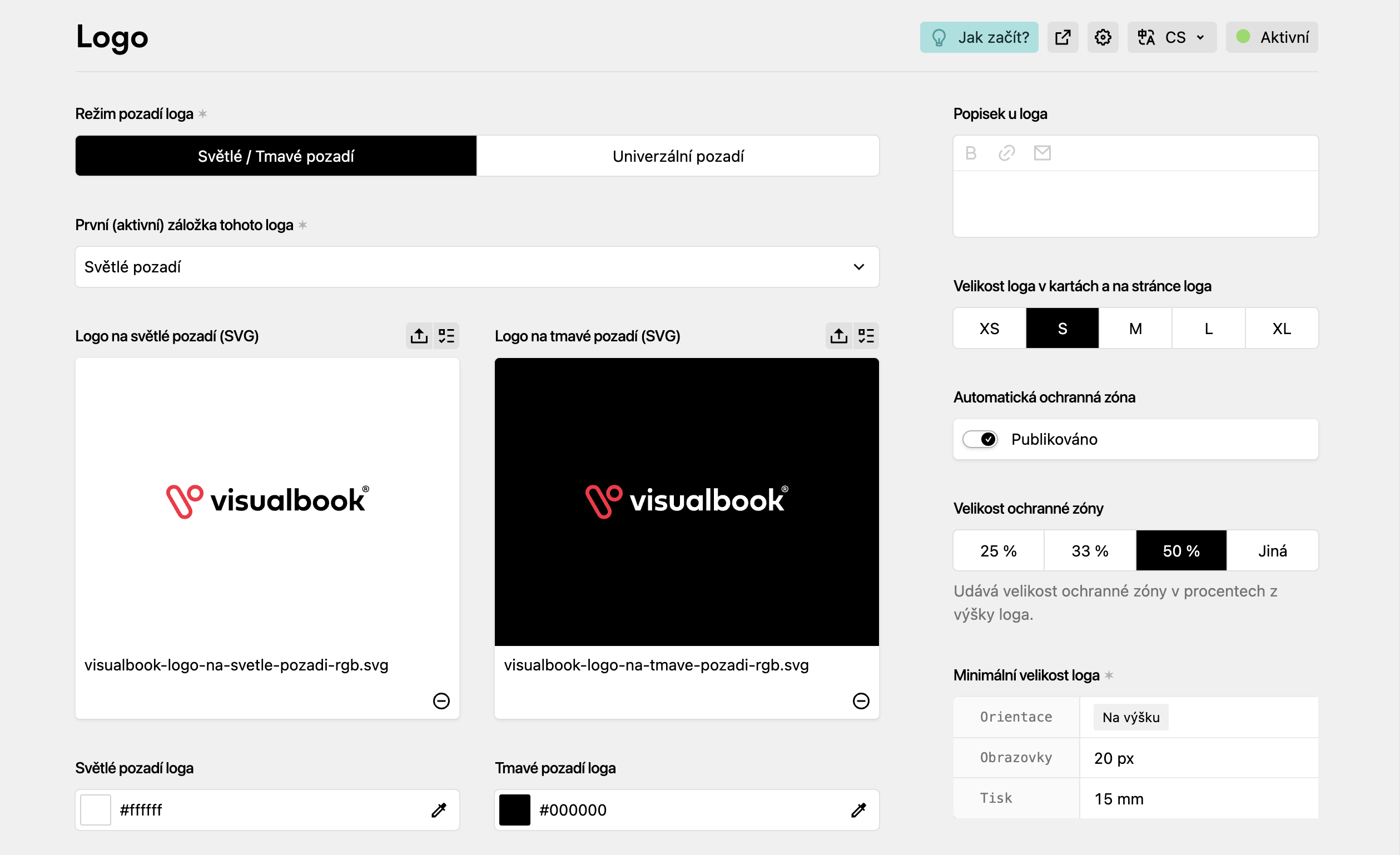
- Logo sizes on cards are generated dynamically according to their actual aspect ratio
- Manual fine-tuning is possible with the XS, S, M, L, XL buttons (to the right of the logo)
- The automatic clear space zone offers a preset selection of the most used values, with the option to set a custom one
- Editors see logo size changes live in the admin panel
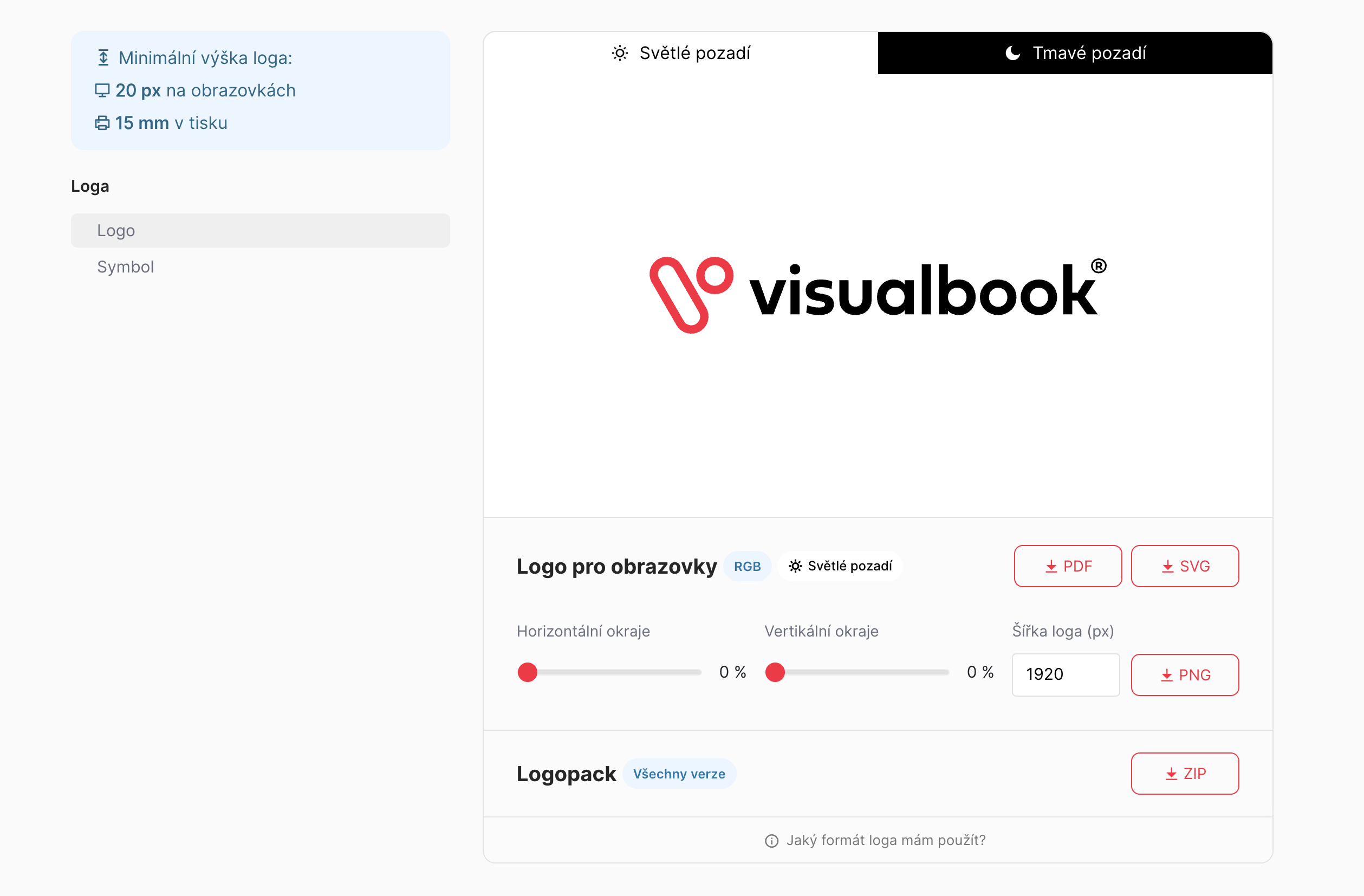
Side navigation (even without a sidebar)
- To the left of every logo there is now the option to jump to the other logos within the same overview
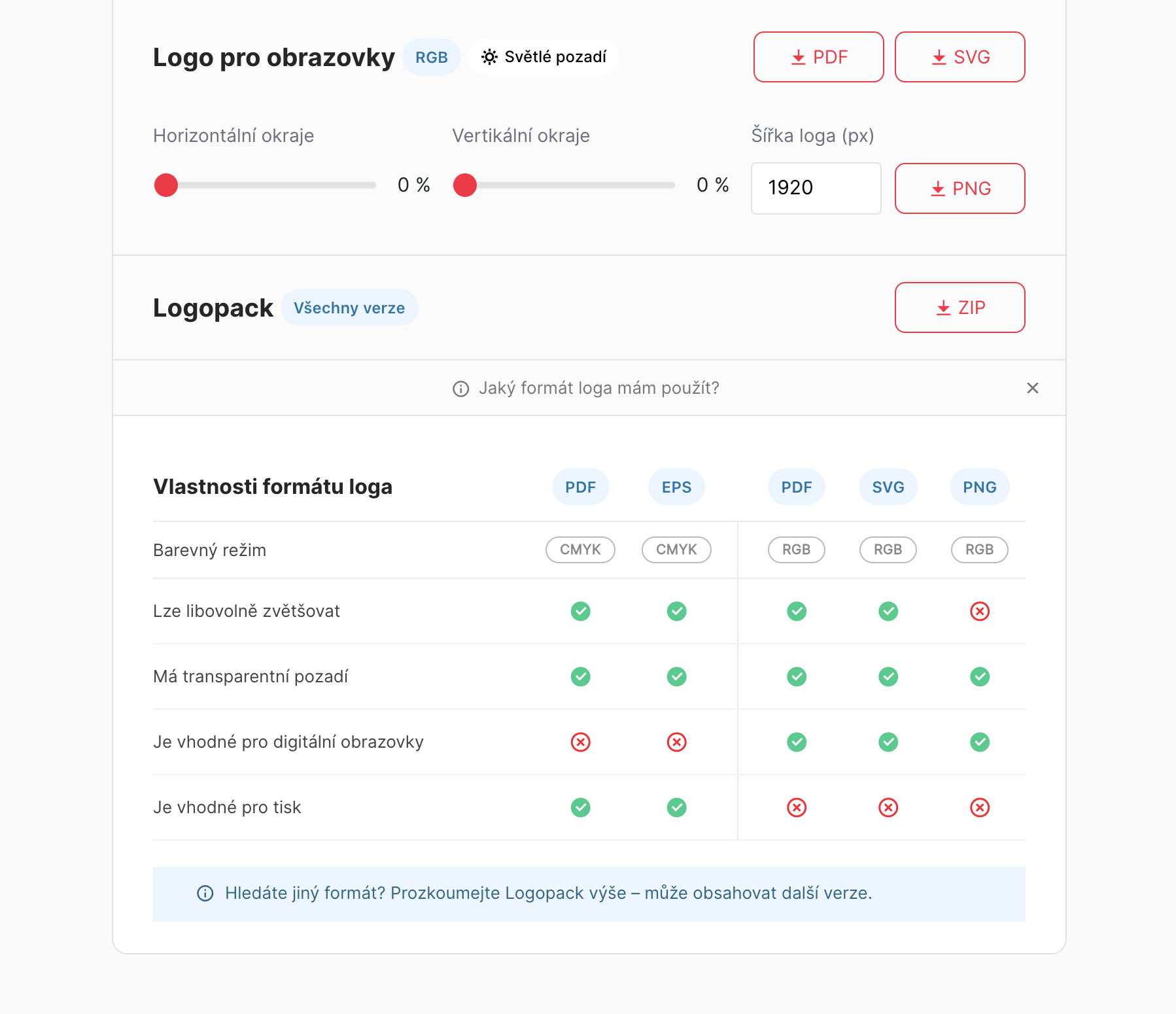
Collapsible helper content below the logo
- A helper for users who aren't sure which logo format is right for them