Structured fields are now translated automatically via DeepL as well.
Follow the latest updates and improvements to Visualbook
25 releases in the last 12 months
Structured fields are now translated automatically via DeepL as well.
What's new:
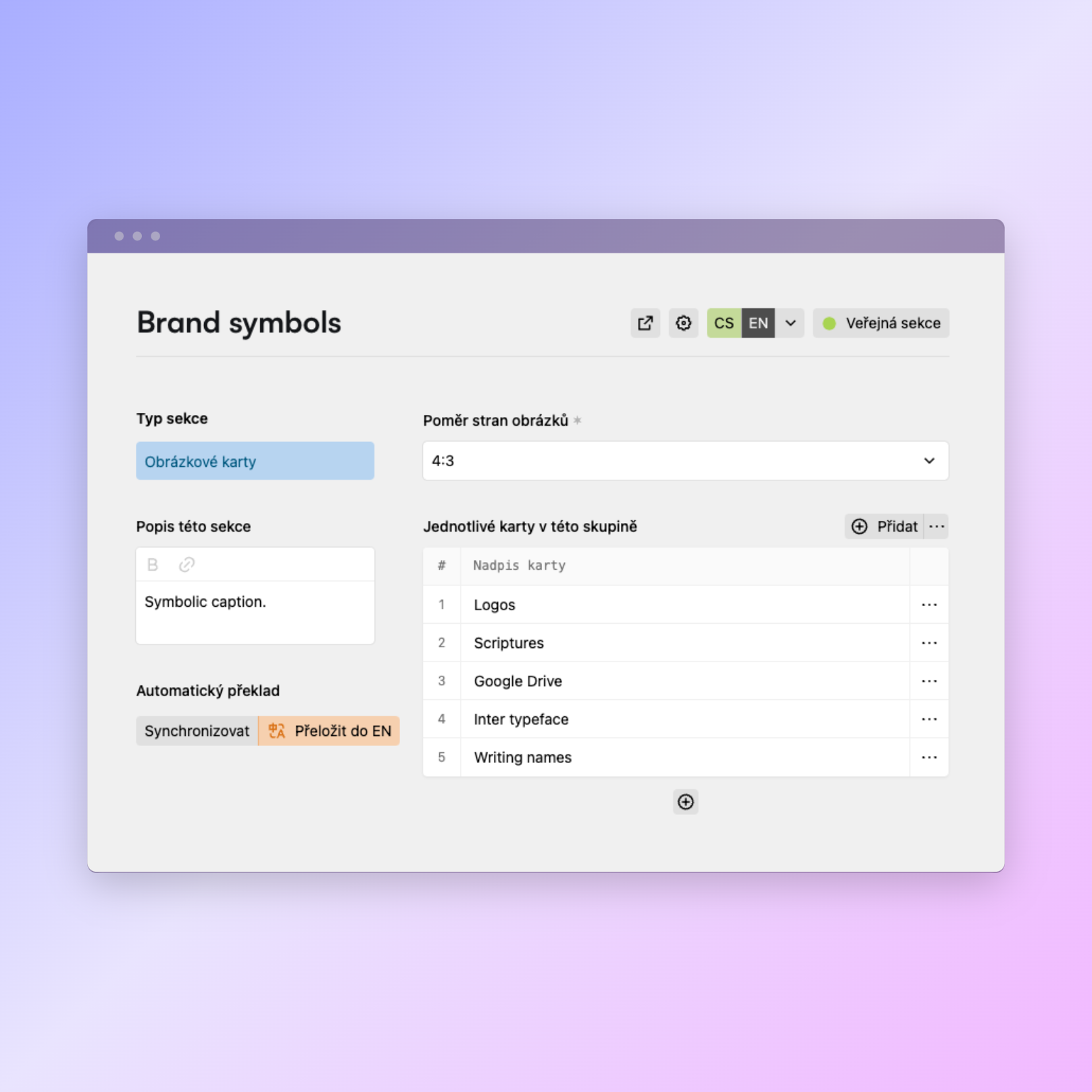
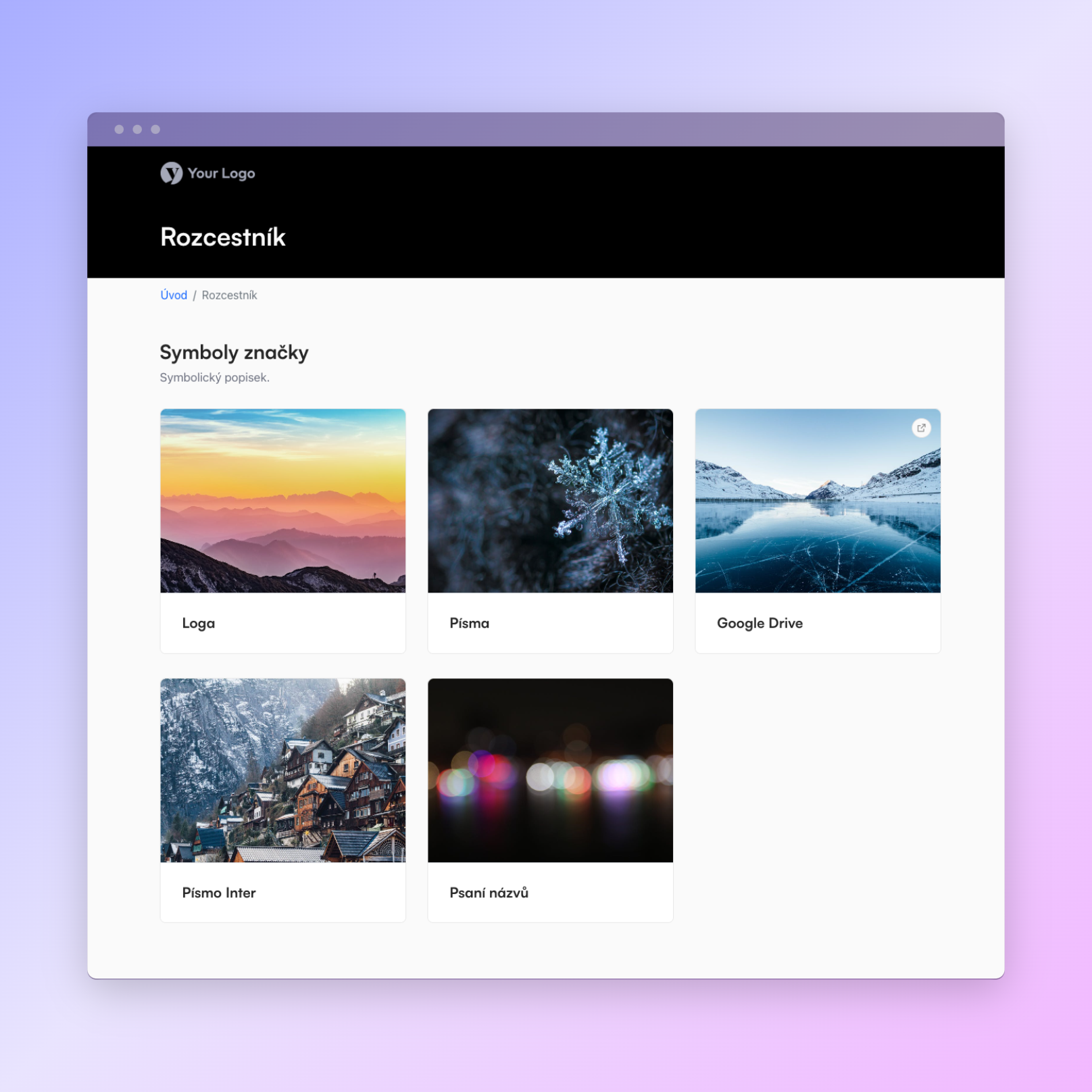
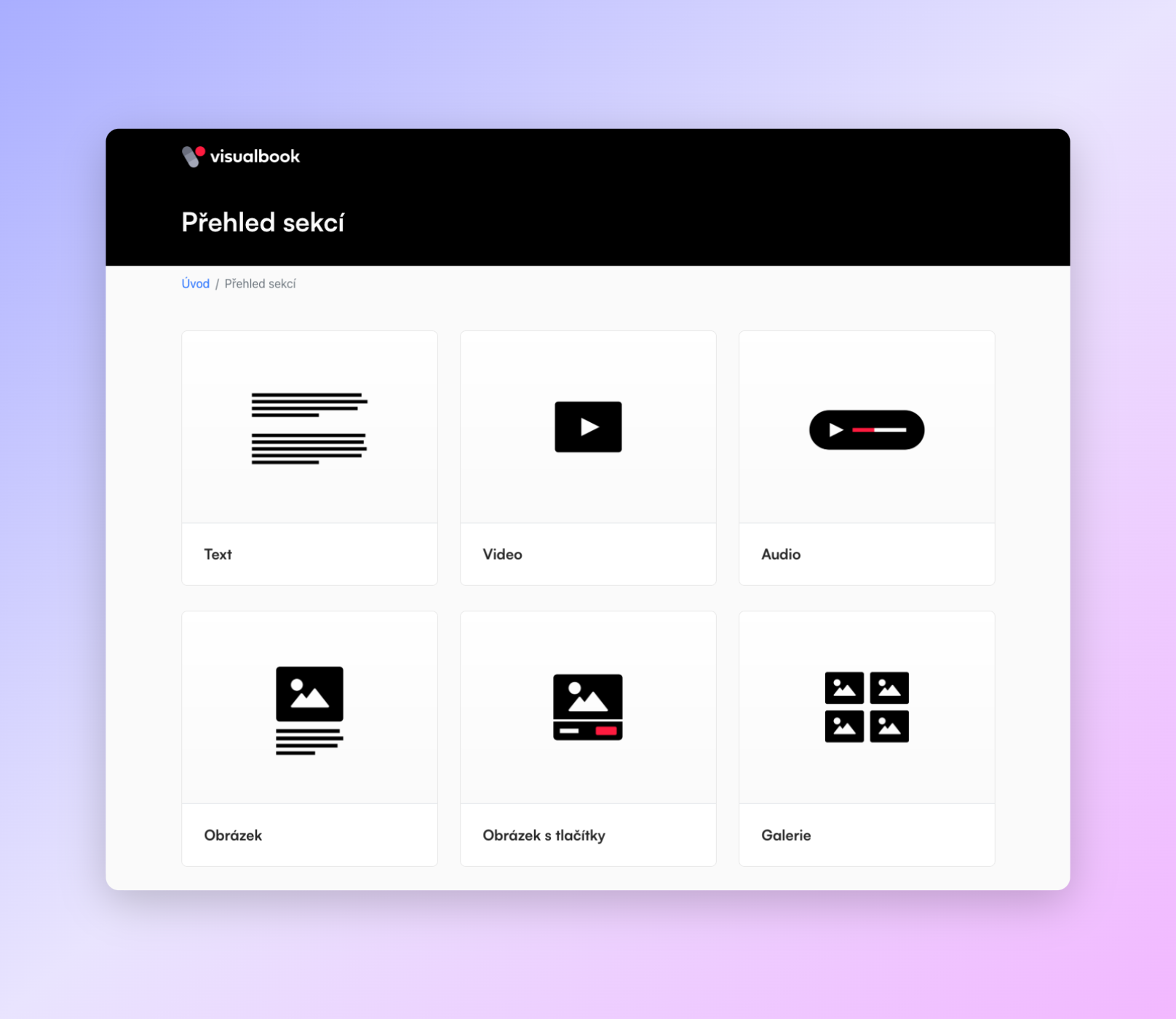
New image overview page
Option to split the overview into sections
Option to add descriptions to logo group sections
What's new
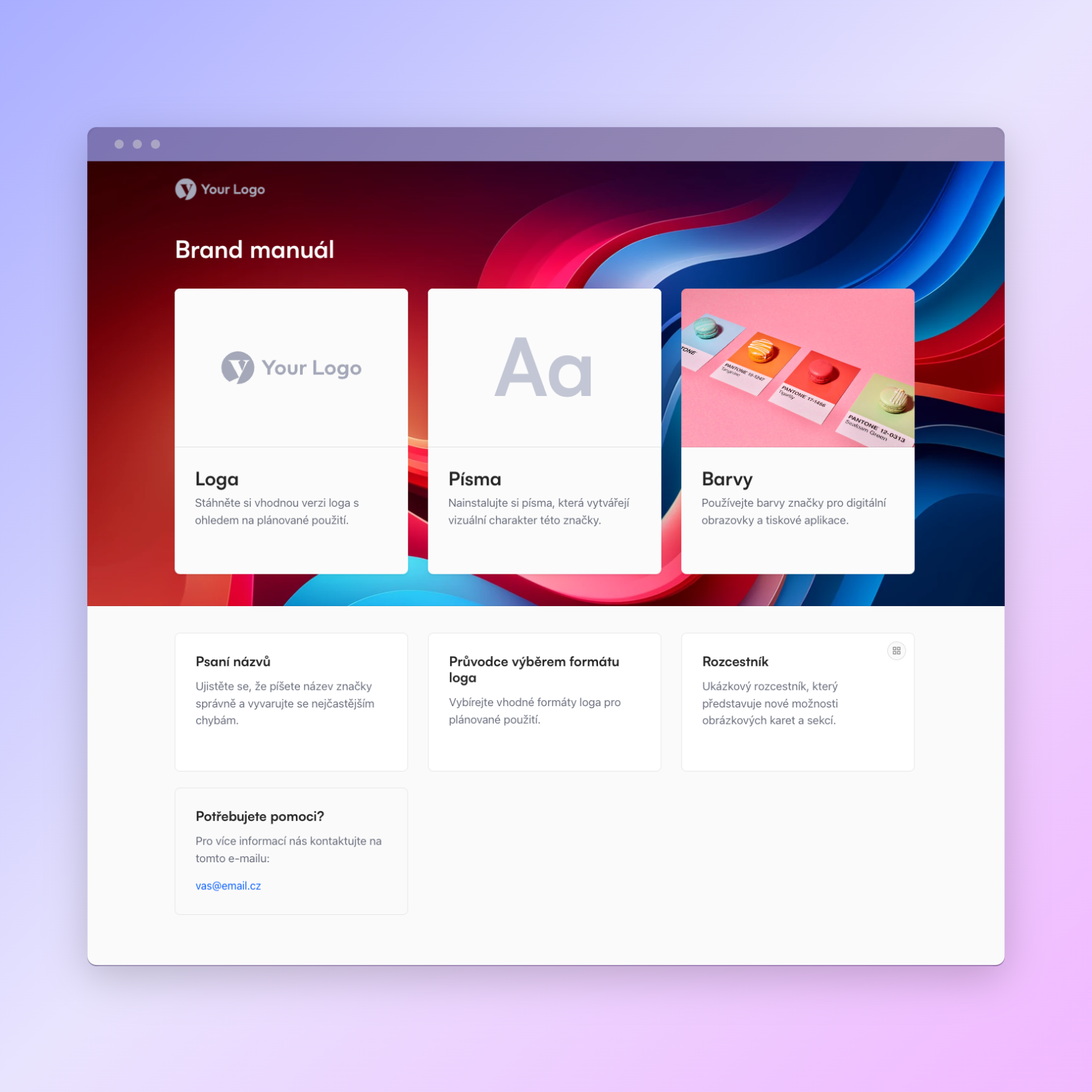
Option to add a background to the homepage!
Option to add your own images to the main homepage cards
What's new:
Logo previews on colour and image backgrounds can now show whether the logo used is intended for a light or a dark background.
When logos are displayed in groups (on the Logos page), you can add a description below the group name
Fixes:
the footer padding is now larger so there is enough space between the content and the footer
What's new
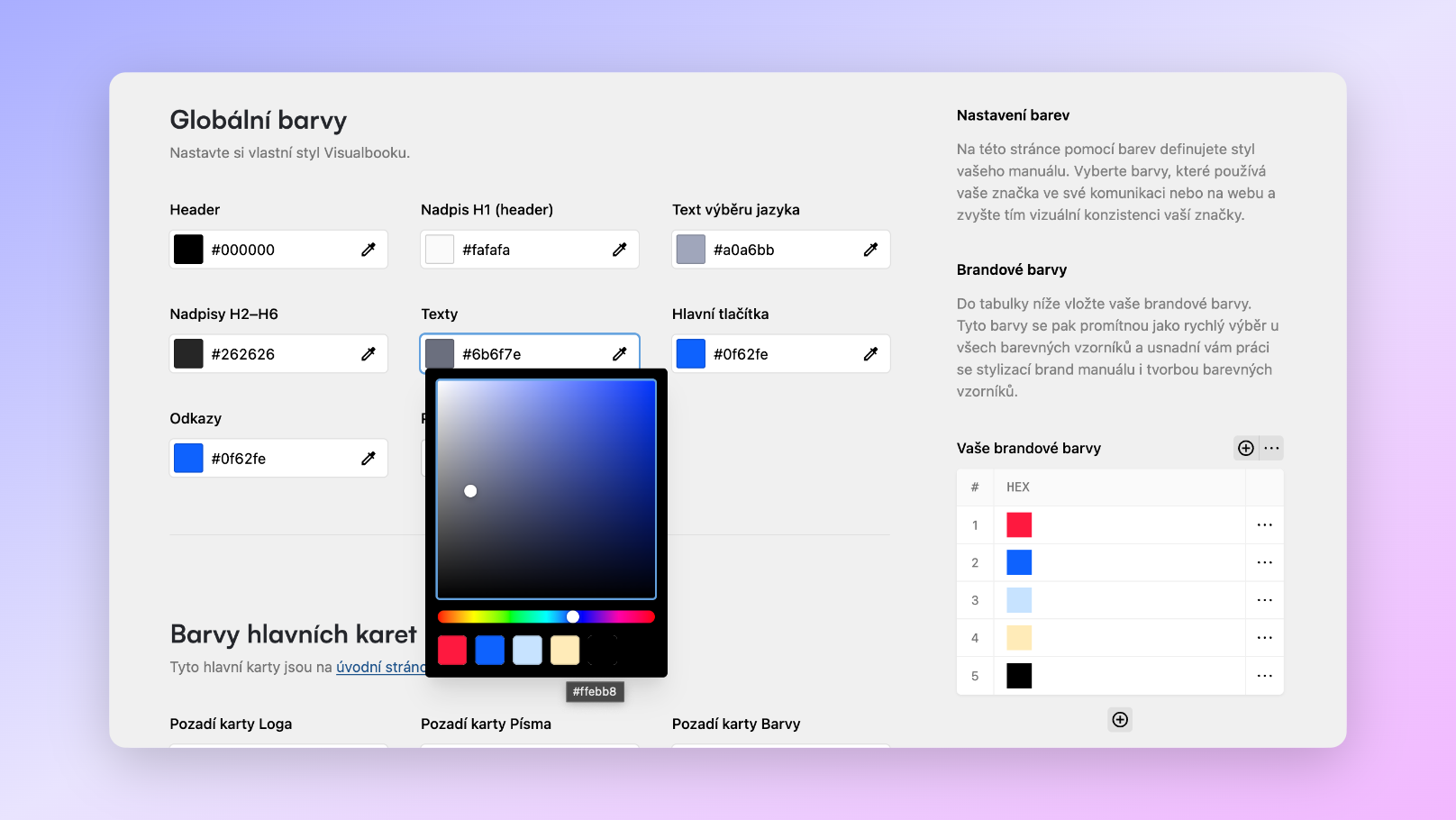
You can now set brand colours on the Design page, and they carry over into the colour picker across the whole Visualbook.
A new type of overview page has been created – the Image overview.
The Starterkit now has a notification bar informing users that this is a working version of Visualbook.
Preview of the image overview:
What's new:
new section: HTML code
Fixes
changes to the Image and buttons section: added borders and a white background
changes to the Image and text section: added borders and a white background
Improvements:
the Enterprise plan now lets you credit the designer / studio in the manual's footer with a link to their website
Bug fixes:
The Image and buttons section in slider mode (just select several images and it activates automatically) is now independent and you can duplicate it. In the previous version the controls of two or more sliders interfered with each other.
Translations of the Visualbook name were not translated into the other languages; this is now fixed as well.
On the Logos page, in the Logo on colour background section, the term "Background colour" is now translated into the other languages.
On the Typography page a warning is now shown when the font file for a section has been deleted (instead of an error page).
What's new:
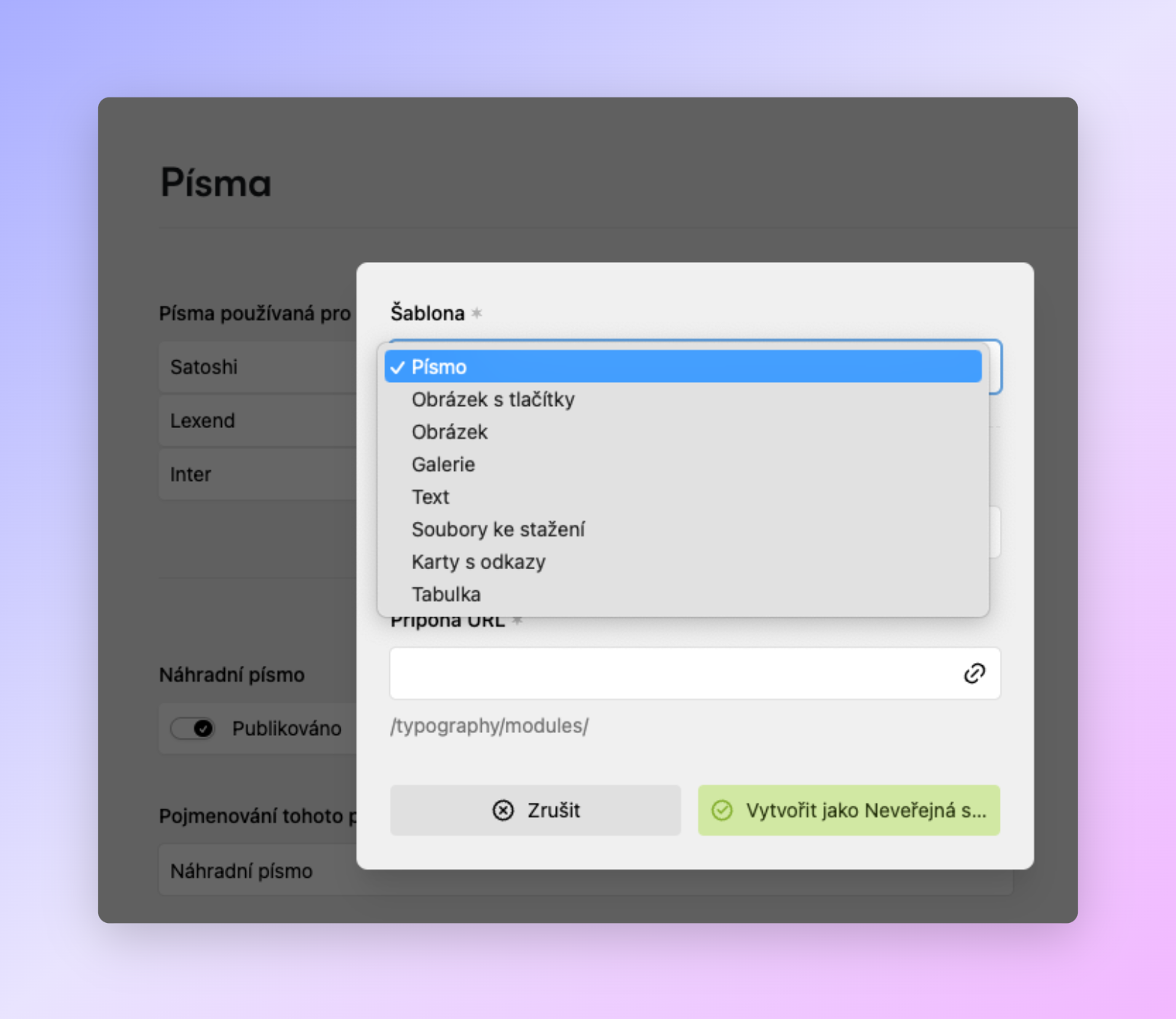
on the Typography page you can now add other module types as well and thus create more complex guidelines
on the Typography and Colours pages you can now generate a clickable table of contents automatically
the Image with buttons module now lets you add several images and turn the preview into a slideshow
Fixes:
the word Home in the navigation is now translated into the other languages
What's new:
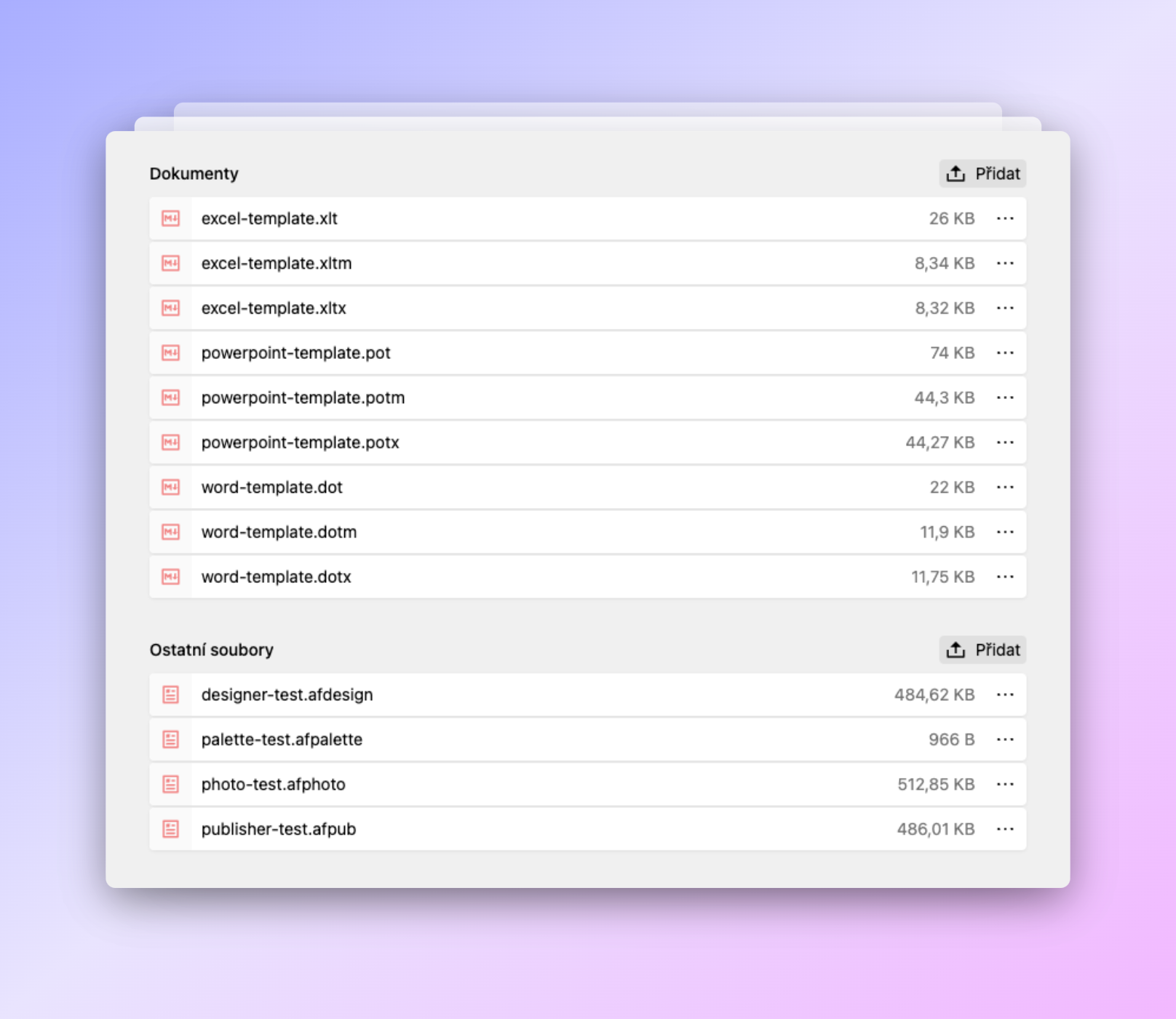
You can now upload various documents to storage (xlt, xltm, xltx, xls, pot, potm, potx, dot, dotm, dotx, doc, docx, ppt, pptx) as well as Affinity files.
Improvements:
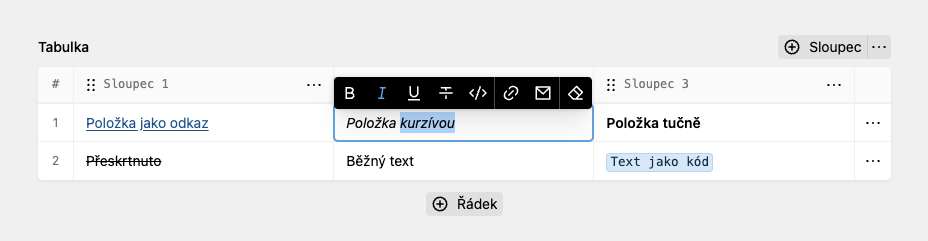
Improved Table section, where you can now set text properties inside the table: bold, italic, strikethrough, link, e-mail and code:
Improvements:
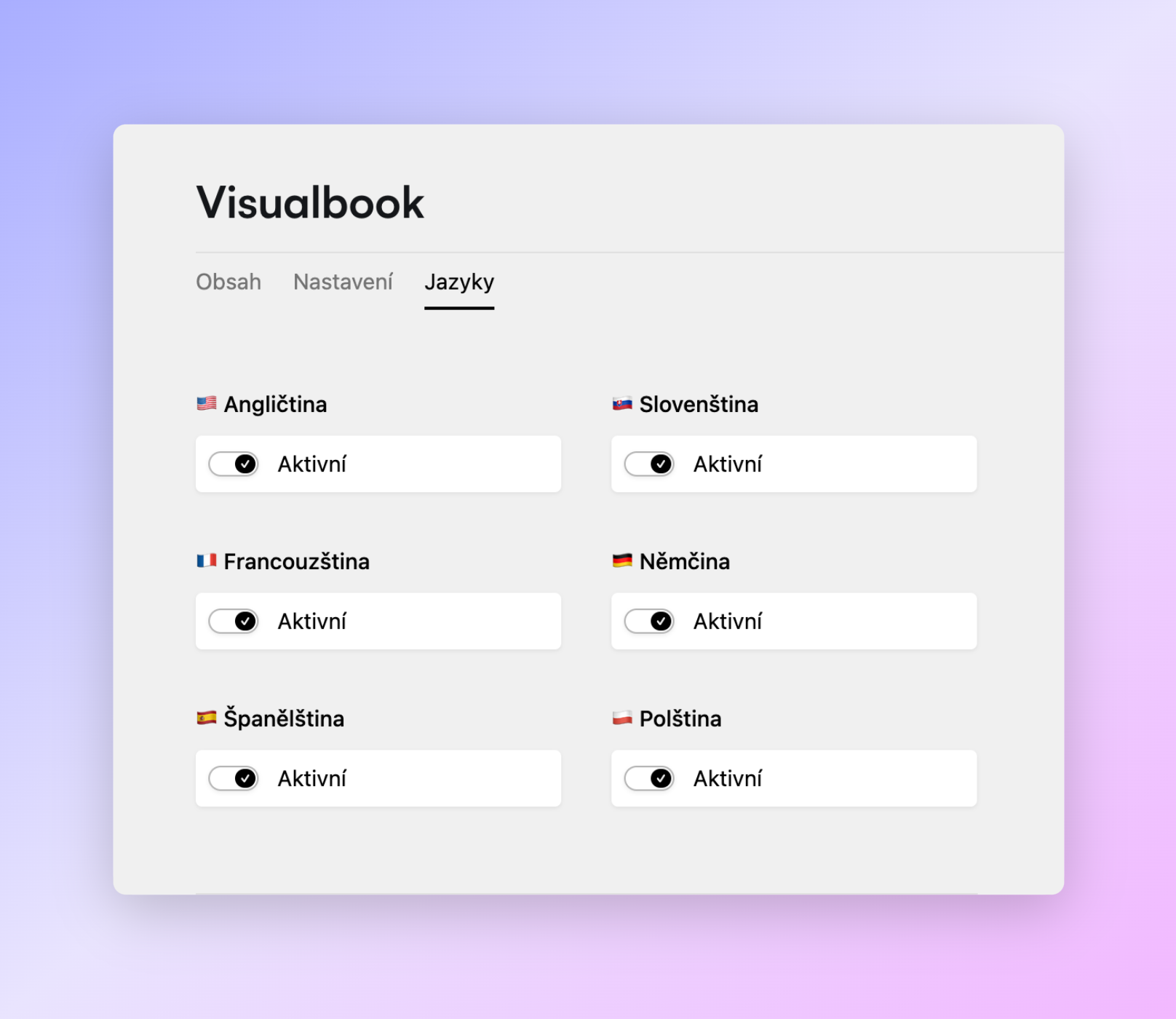
Every Visualbook can now be extended to up to 7 languages
The Enterprise plan includes all of these languages natively
Supported languages: CS, SK, PL, EN, FR, ES, DE
Texts in the manual can be translated in one click using the DeepL integration
DeepL now also translates page titles
Fixes:
Fixed translations of the Font usage table into the other languages
Minor improvements
Badge elements always use the default Visualbook font for better legibility and consistency
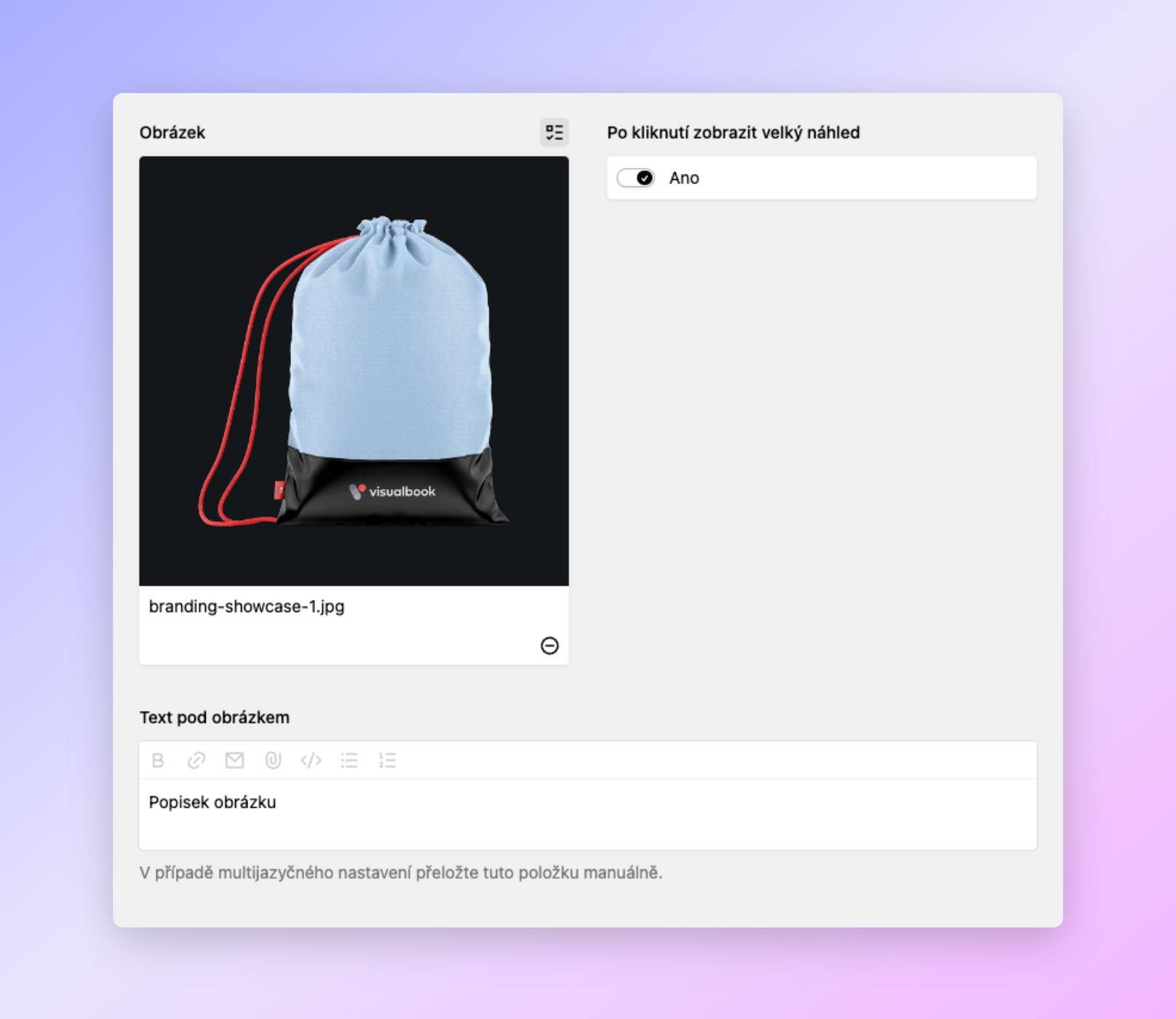
In the Image section you can now choose for each image whether clicking it opens an enlarged preview (lightbox) or not.
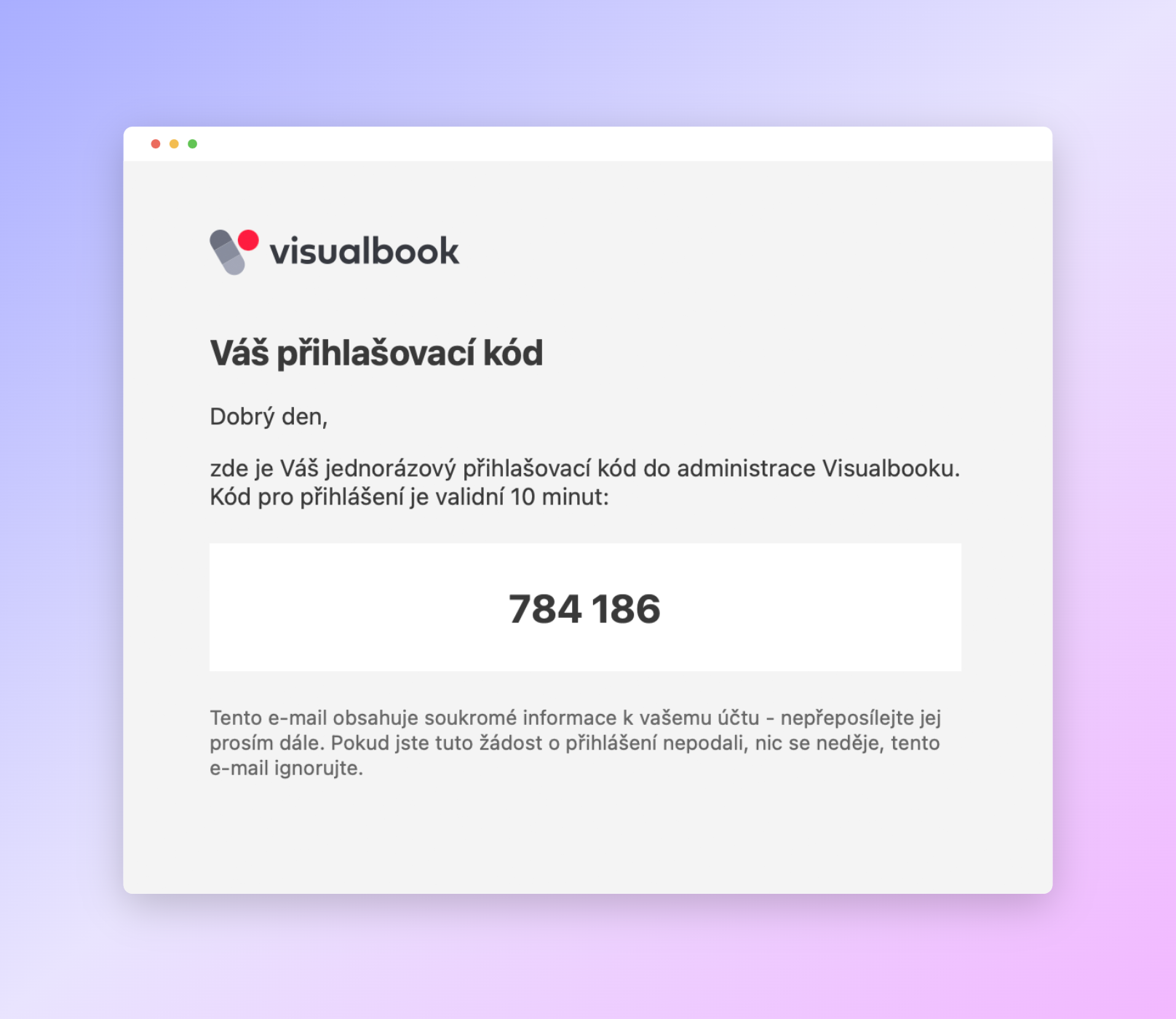
New design of the login e-mail. Visualbook has a passwordless login system where you just enter your e-mail and a code arrives in your inbox. You use that code to sign in to the admin.
The e-mail sending system has also been changed: I dropped Google SMTP for sending and replaced it with the hosting's native mail() function.
Note: you can also use password login, which you set up in the admin Panel.
Improved typography options:
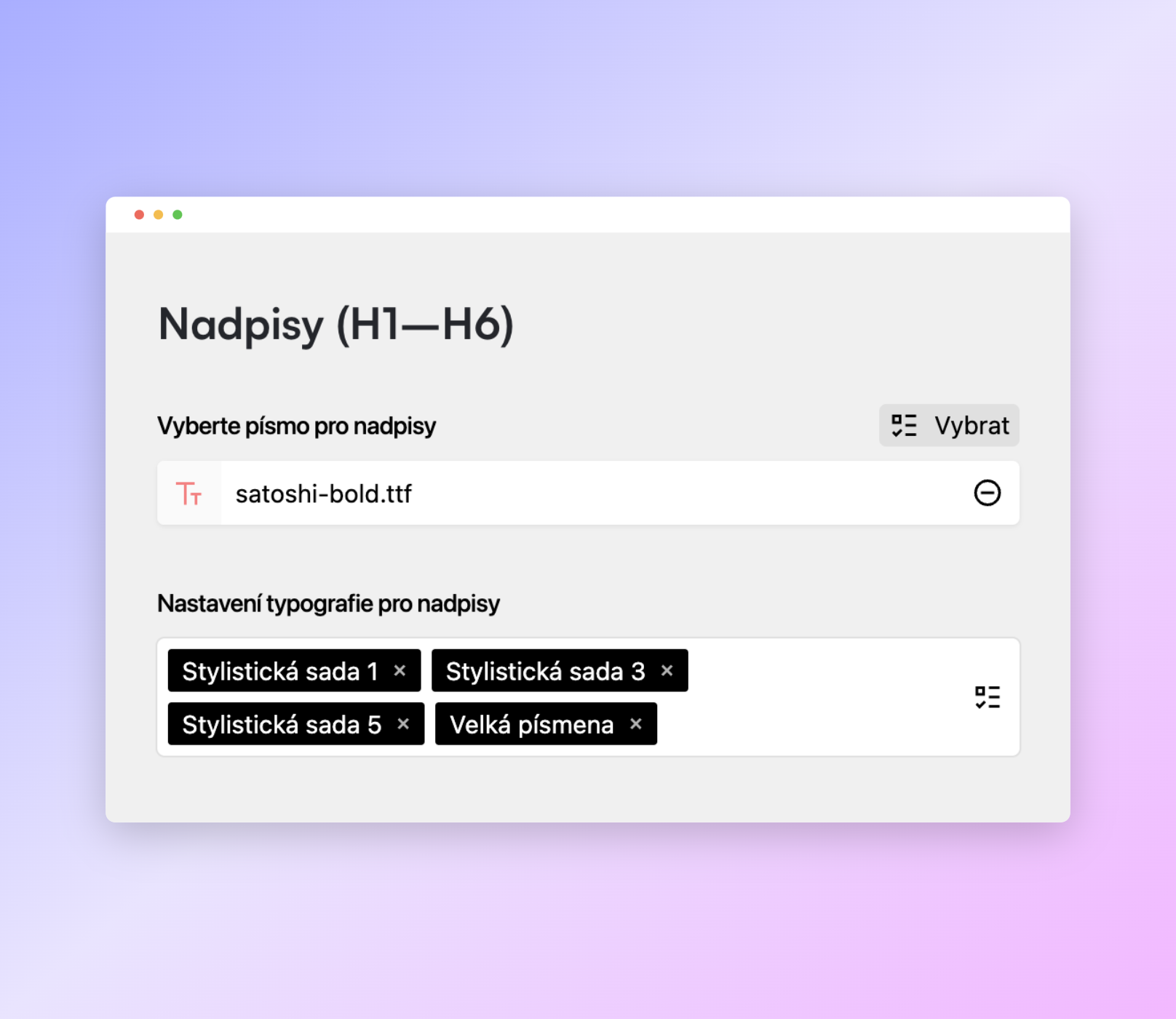
Visualbook headings can now use stylistic sets ss01–09 and all-caps display
Visualbook body texts can now use stylistic sets ss01–09 and tabular figures
The text in the sample-character slideshow on the Visualbook homepage can now use stylistic sets ss01–09 and tabular figures
Previews of individual typeface sections on the Typography page can use stylistic sets ss01–09 and tabular figures. This setting also carries over to the preview glyphs (characters) of the given typeface.
A completely new and reworked version of Visualbook has been released!
What's new:
New open-source admin system by Kirby
New open-source icons by Remix
Integration of the Pexels photo bank
Reworked design of some components
New sample brand manual Demo
New page type: Overview
New page type: Download centre
New page type: Content page
A modified Large gallery page that lets you create image groups and define image aspect ratios and preview sizes on the page
Passwordless user login
LinkLock replaced by a built-in system of password-protected pages
Simplified Google Drive integration
12 redesigned sections for content pages
Option to add sections to the Logo and Colours pages as well
New "Usage guidelines" dropdown menu on the Typography page
Option to hide almost all default sections of the preset pages
User management in the Panel (admin environment)
System usage statistics
The Designer tool integrated directly in the Panel
Extended layout options for the Logos page – display all logo cards in two possible sizes, or organise them into groups with custom names for each group (for example Main logos, Product logos)
Automatic OG Image generation, with the option to enable captions in the OG Image
Native support for CZ, SK and EN and a DeepL integration for translating text fields into the selected languages
Various other improvements
Older versions:
Automatic migration from the older version 3 to version 4 isn't possible, but you can contact me and we'll arrange the migration individually.