Changelog

Follow the latest updates and improvements to Visualbook

25 releases in the last 12 months

5.3

5.3

What's new

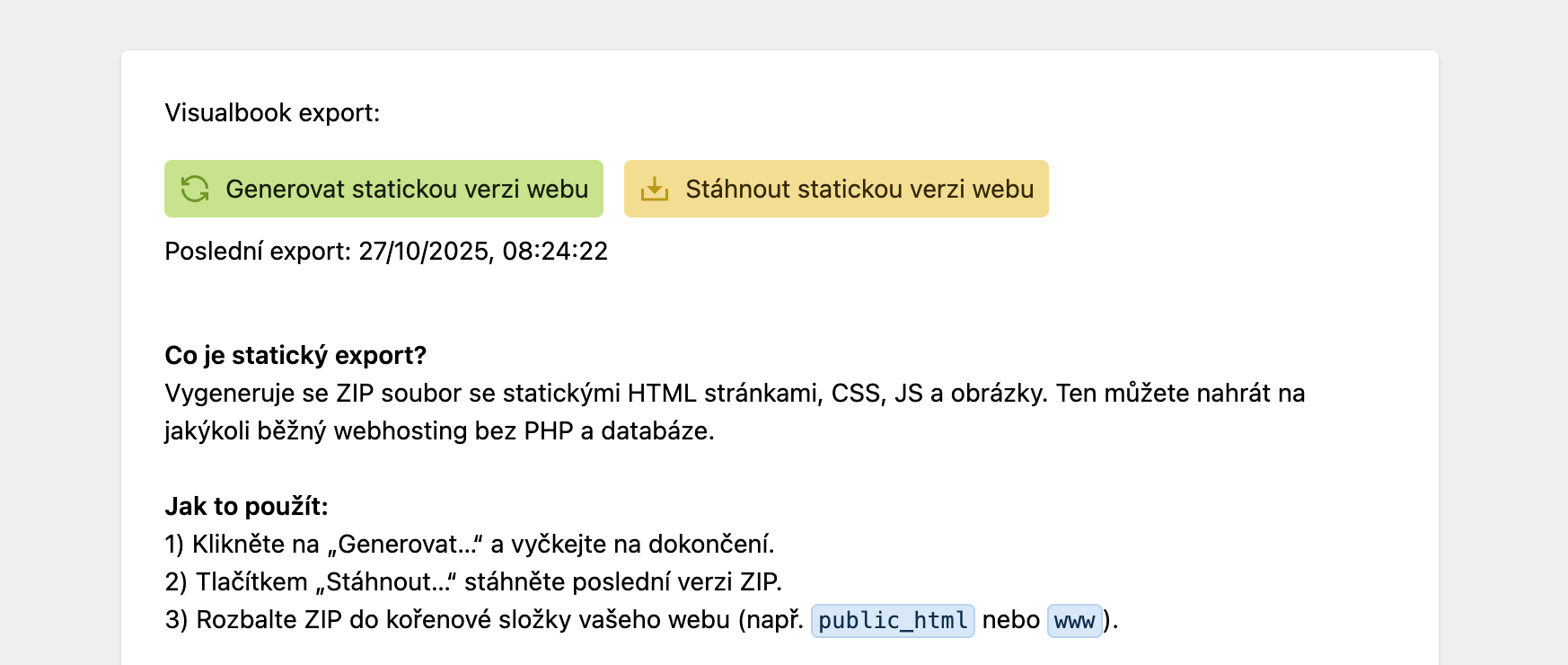
  • static export of the entire brand manual in one click! (available from version 5.3 under Settings > Other settings)

  • bulk deletion in structured fields

  • section descriptions can now contain an e-mail as a mailto link

  • the help text for password-protected pages and files can now be edited individually

  • new design of the HTML code section – users can edit a selected part of the code

  • the Embedded content section now also displays PDFs from a link (including from Google)

Fixes:

  • fixed glitches in the file overview

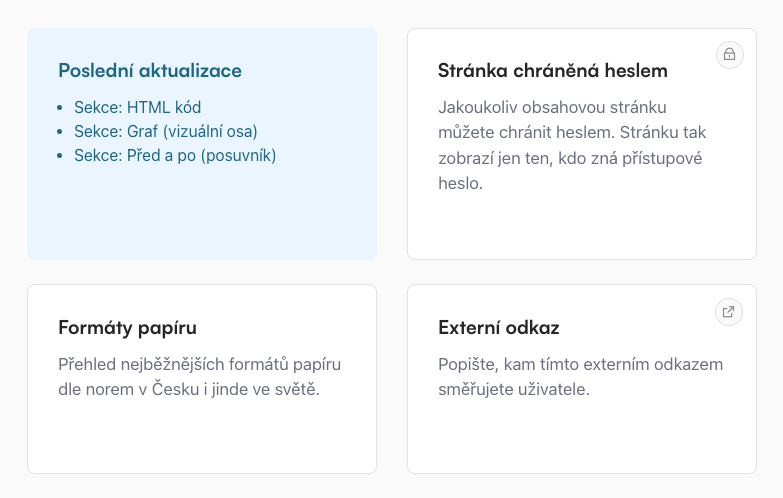
  • a card in the overview pointing to a password-protected page now shows a padlock icon

  • anchors on the Logos page now work correctly for logo groups

  • fixed colour names in .ase exports
5.2

5.2

What's new:

You can now password protect not only a selected page, but also a selected file.

5.1.4

What's new

You can now import Embedded content into your brand manual:

  • Canva

  • Figma

  • Google Slides

  • Google Drive

  • SlideShare

5.1.3

  • file and storage optimisation

  • minor fixes and improvements

5.1.2

5.1.2

Changes and improvements

  • generated content now links to the URLs specified in both languages (CS and EN), for example:

    • ukazkova-obsahova-stranka-s-prehledem-sekci#sekce-obrazek-multifunkcni

    • sample-content-page-with-overview-of-sections#section-image-multifunctional

  • Improved search

What's new:

  • You can now display Latest updates on the homepage.

5.1.1

Bug fixes:

  • Saving changes on the Typography page no longer throws "trim(): Passing null to parameter #1 ($string) of type string is deprecated".

  • The trial days remaining counter no longer gets stuck.

  • Downloadable files sections now show a warning when no file has been added.

  • The Creative process section shows a placeholder image when the user hasn't added one.

  • The Code section shows a warning when no code has been added.

  • The Link cards section shows a warning when no card has been added.

  • Improved display of images on main page cards

  • Other minor fixes

What's new:

  • The Google Drive section can now add buttons and collapsible content below the window with files from Google.

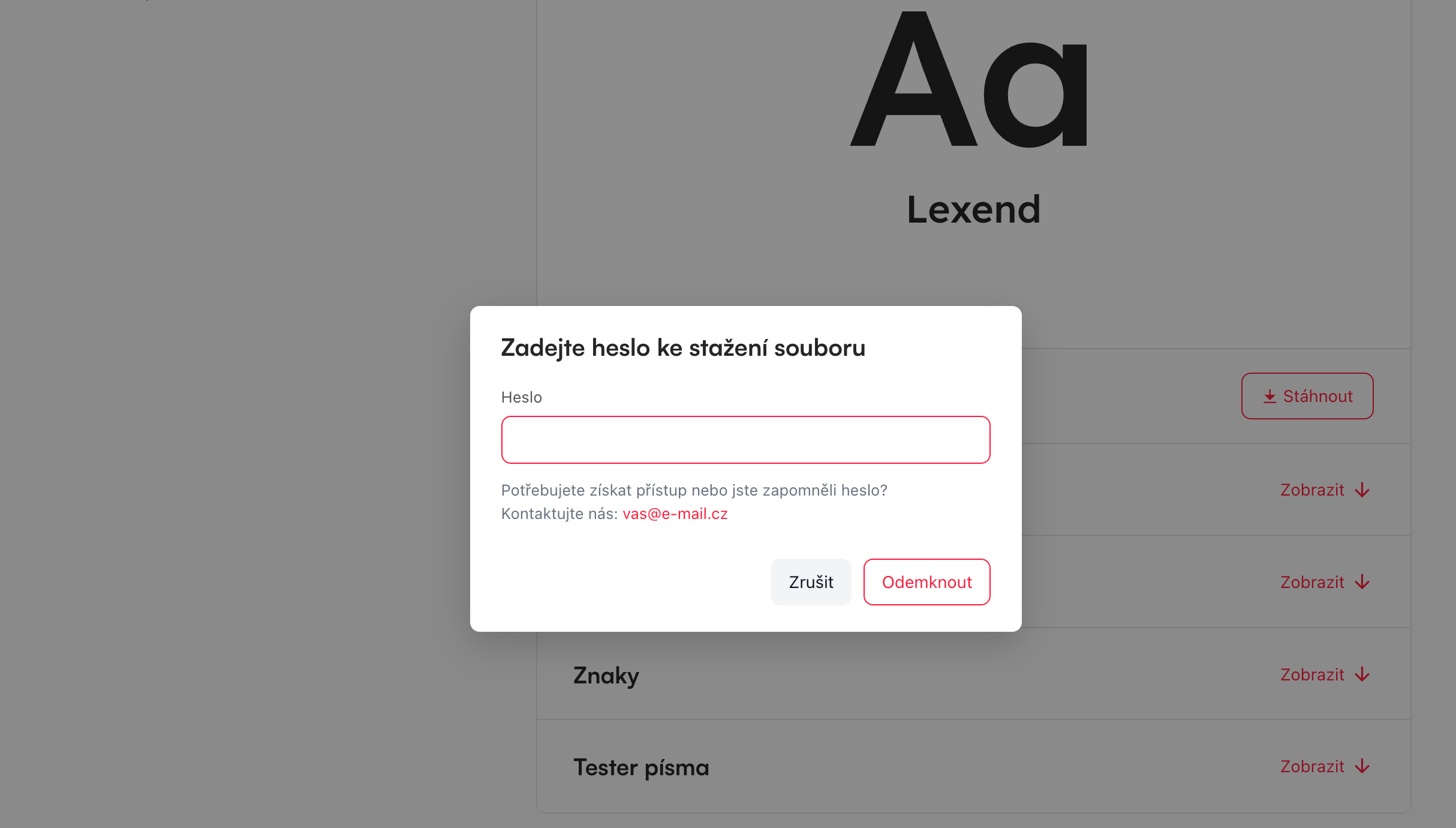
  • The Typography section now lets you add a custom preview image of a typeface instead of representative characters

  • The contact e-mail is now derived from what is set for the given brand, so a password-protected page shows the contact for that brand's manager rather than the main brand's.

  • If your manual contains only one logo, you go straight to it from the homepage. There is no need to click through the Logos page, which would show only that single logo anyway.

  • The scrollbar no longer affects page width, so the layout no longer jumps.

  • The Code section now renders code in classic colours and also has a Copy button.

5.1

This version runs on the final Kirby 5.0.0 release.

5.0.2.

Bug fixes:

  • The Before and after (slider) section now correctly shows a warning when no image or only one image has been added.

Improvements:

  • The file overview loads much faster.

  • Improved formatting of the Font usage table.

  • When no font weight in use is selected in the Typography section, this item is no longer displayed in Visualbook either.

  • Files with an underscore in the name no longer cause other files to be deactivated.

5.0.1.

Bug fixes:

  • The Typography section no longer creates an error status when it contains no font (it was deleted)

  • The Audio section now plays a larger number of files without looping

  • Fixed colour imports in the Colours section

  • Minor fixes to the Translation check

Improvements:

  • The Overview now shows a notification when translations are missing on a page in a multilingual Visualbook

5.0.0.

5.0.0.

Final release, last changes and improvements:

  • Redesigned Audio section

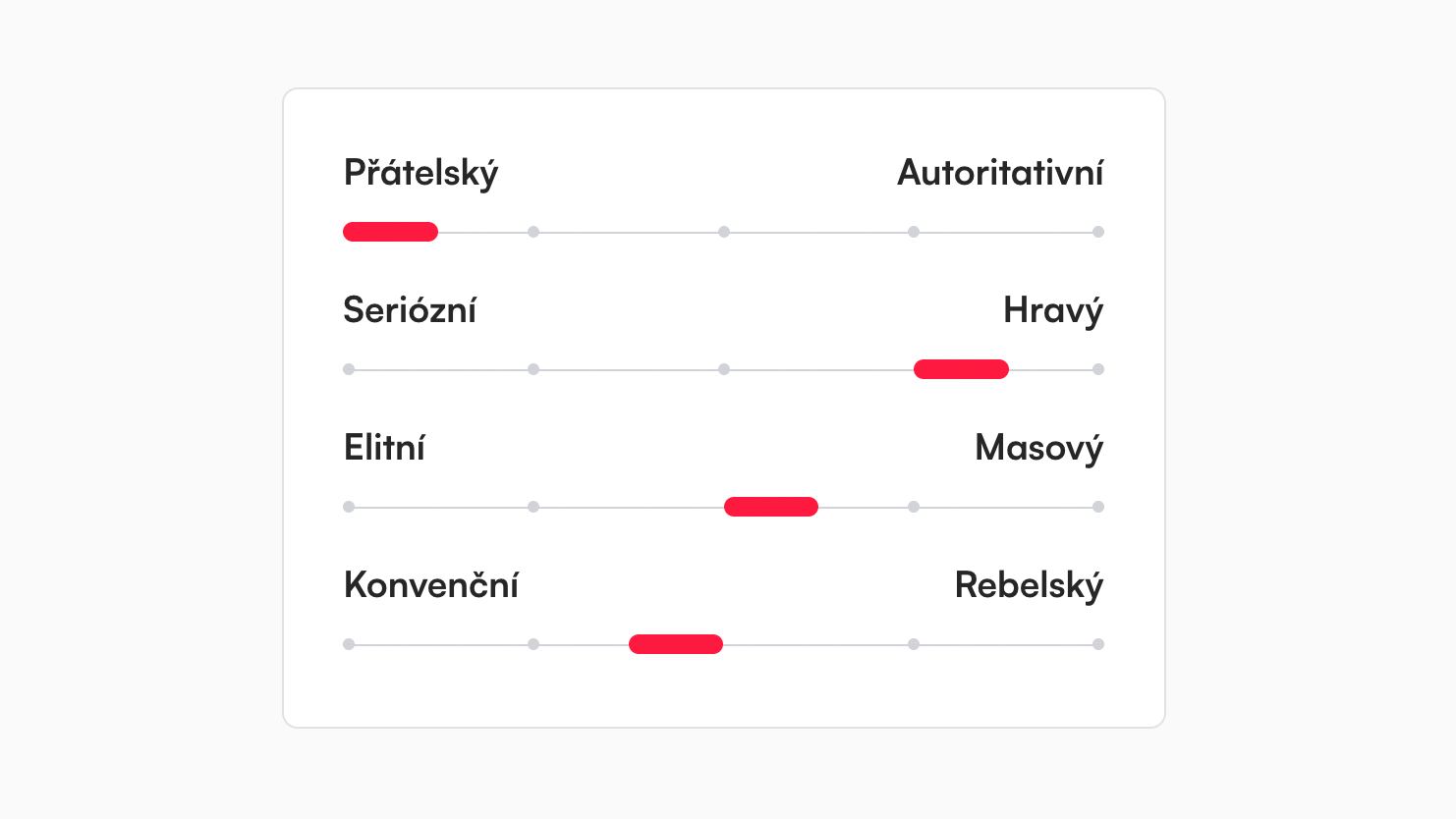
  • Redesigned Chart section (visual axis)

  • A brand new translation check for multilingual Visualbooks

  • Improved handling of CTA element contrast when you upload a light shade of a colour

  • The download icon for colour swatches now matches the other icons

  • The carousel has new navigation buttons whose colours you can define yourself

  • Multibrand mode can hide the descriptions on the main homepage cards and also set custom descriptions on the homepage

  • You can place a description next to a logo

  • Other minor improvements and bug fixes

5.0.0. (Beta 11)

5.0.0. (Beta 11)

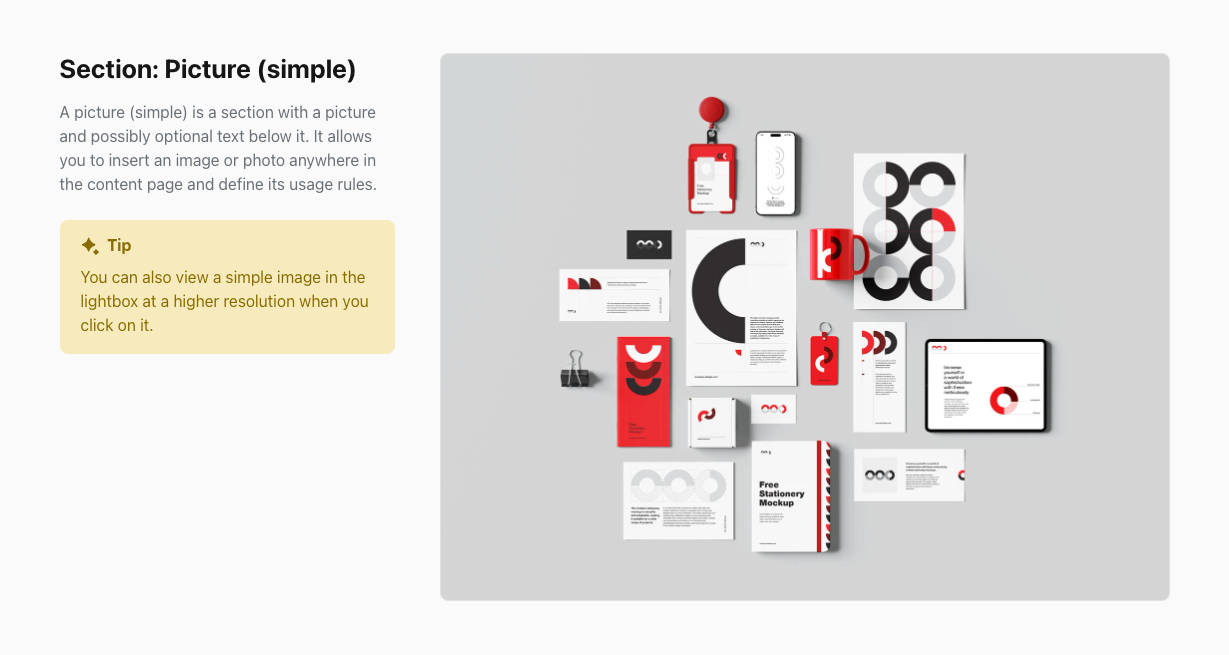
You can now add an Info box – highlighted text to every section. You can choose Note, Tip or Warning.

Changes and fixes:

  • The Before and after (slider) section no longer has to contain captions

  • Elimination of external libraries so that the Visualbook project runs independently

  • Moving pages and sections is now snappy — no more waiting for the destination picker dialog

  • Other minor improvements

5.0.0. (Beta 10)

5.0.0. (Beta 10)

What's new:

  • Option to apply the site background to subpages as well

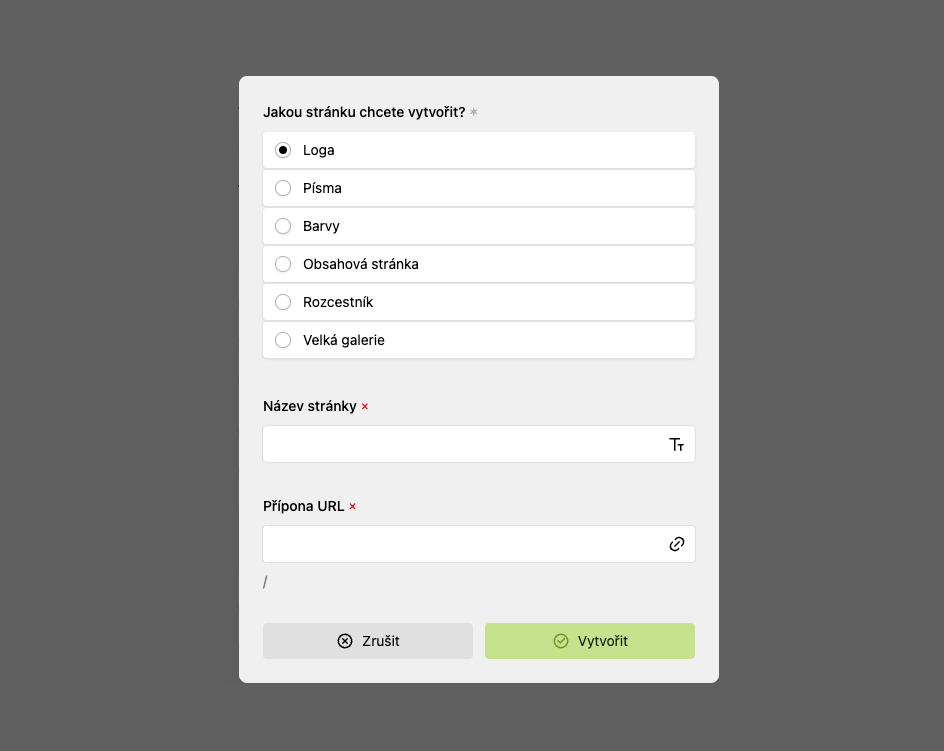
  • You see all options when creating a page (previously a dropdown)

Changes and fixes:

  • Improved Typography section (character generation)

  • Better UI design for the font weights in use

  • Better UI design for the Contrast check section

  • Fixed Colour palette section (only active colour modes are displayed)

  • Other minor improvements and fixes

5.0.0. (Beta 9)

5.0.0. (Beta 9)

The Typography section got a major update!

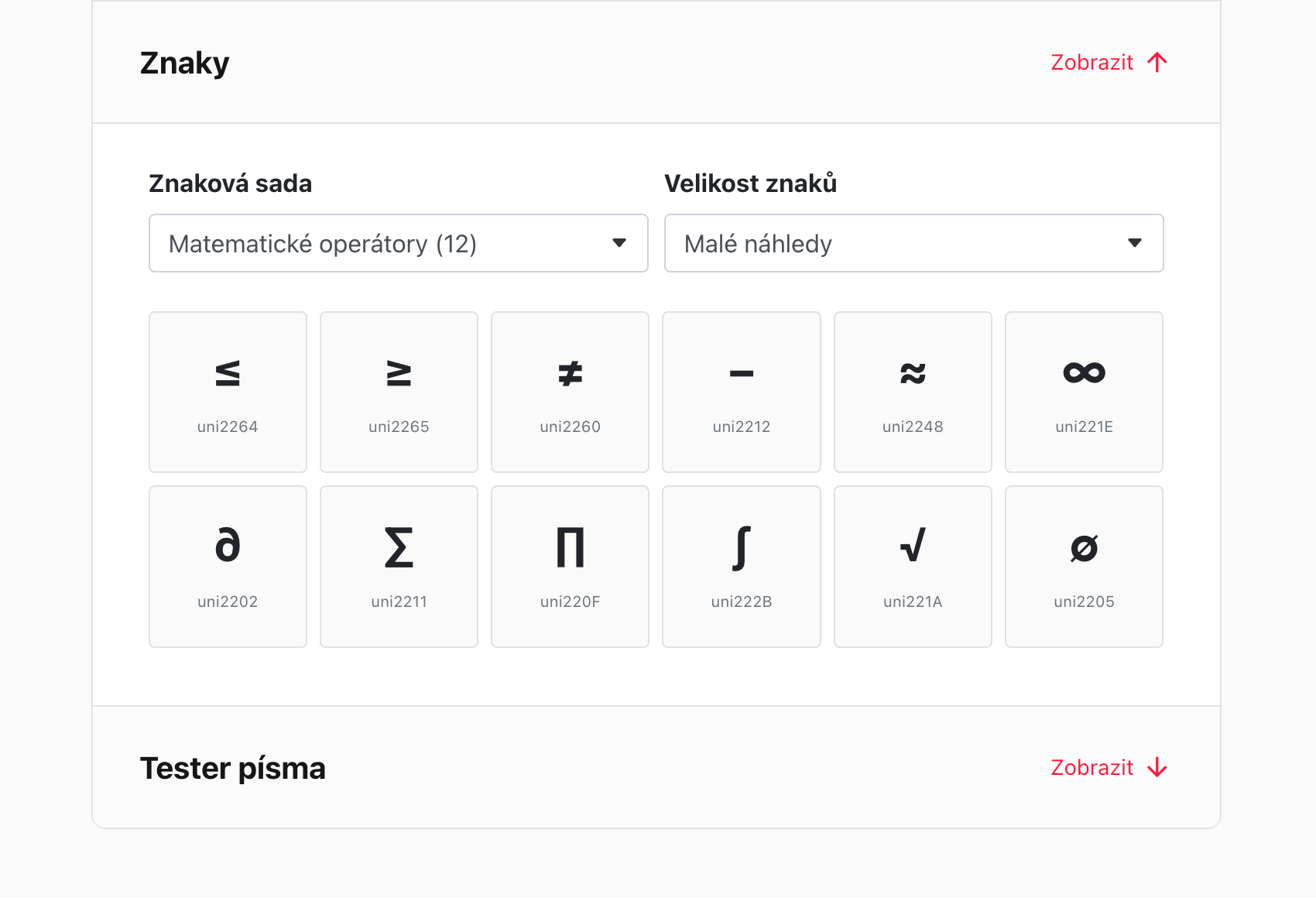
  • The section can generate information about a typeface (Designer, Foundry, Version, Total number of glyphs, OpenType features, Language support).

  • The section renders the typeface's glyphs grouped into logical sets (Basic Latin, Cyrillic, Mathematical operators, etc.).

  • The section includes a Font tester – you can test your own text and its size in the given typeface.

  • Within the section you can add any buttons you like (link, link to another Visualbook page, downloadable file, e-mail).

Visualbook now formats texts automatically:

  • Single-letter prepositions - non-breaking spaces after k, s, v, z, o, u, a, i

  • Numbers and units - non-breaking spaces (e.g. 40 000 CZK)

  • Dashes - hyphens replaced with typographically correct dashes (–)

  • Ellipses - three dots replaced with a proper ellipsis (…)

  • Redundant spaces - double spaces removed and indentation cleaned up

  • Czech quotation marks - automatic conversion of "text" to „text" (Czech version only)

  • Date protection - non-breaking spaces in dates (e.g. 15. 4. 2023)

  • Abbreviation protection - non-breaking spaces after abbreviations (e.g., etc., etc.)

  • Number ranges - typographically correct dash between numbers (10–15)

The Logo formats page has been improved:

  • You can now define which formats are shown on the page

New Before and after slider section

New Creative process section

5.0.0 (Beta 8)

5.0.0 (Beta 8)

Changes and improvements

The Colours page:

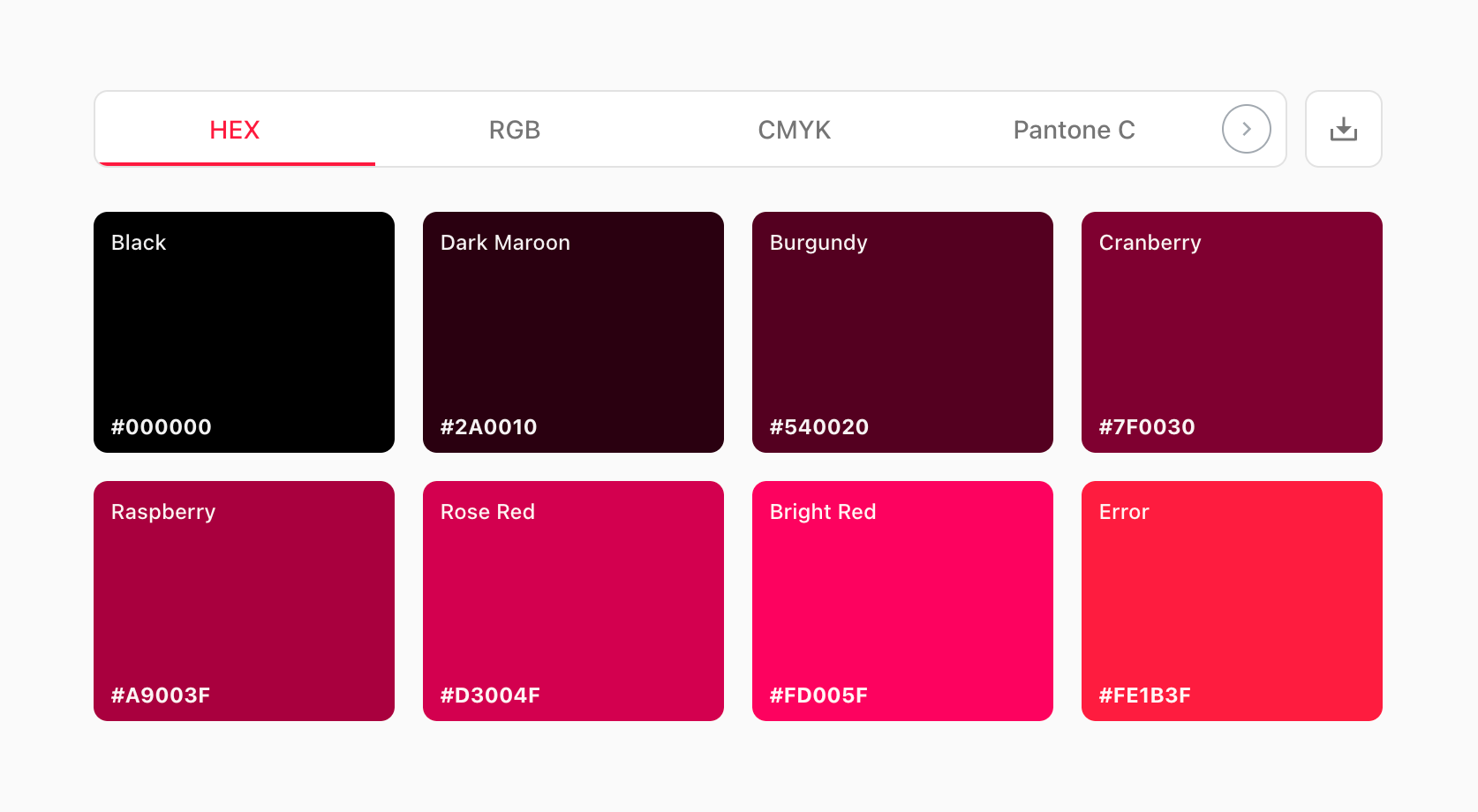
  • Completely new design of the colour swatches

  • Three sizes (large, medium, small)

  • Added support for three-colour gradients (previously only two colours)

  • Improved copying of colour values with visual confirmation

  • Added export formats for all types of colour modules

  • Added the option to export colours to Adobe ASE

  • Added support for Figma Design Tokens export

  • Added export to CSS, SCSS and Tailwind configurations

  • Added PDF export with complete colour information

  • Added the option to export all formats at once in a ZIP archive

  • Improved responsiveness of the modules on mobile devices

  • Optimised navigation between colour formats (HEX, RGB, CMYK, Pantone)

  • Added support for NCS colour codes

  • Improved contrast of texts on colour areas

  • Colour ratios have been improved

  • The contrast check has been improved

  • The colour modes table now also contains RAL and NCS information

Generated content is now rendered first on the page, so the layout no longer jumps.

The Video and Video (multifunctional) sections now have autoplay and loop options for each video.

Other minor performance and panel UI improvements.

5.0.0 (Beta 7)

Fixes:

  • Changes are now saved reliably when saving a page — no need to press the button again or use the ctrl+s shortcut.

  • Translations of some sections have been polished.

5.0.0 (Beta 6)

  • improved synchronisation of multilingual content

  • new icons (● ○) for active / inactive files

  • the password landing page is now translated into the EN version as well

  • improved handling of the OG Image – just click the preview in Settings and it updates

  • improved file handling

  • any page can now be password protected

  • other minor admin panel improvements

Fixes and changes

  • Fixed the site background image, which now displays according to the breakpoint you set (the Disable background at screen width option).

What has been put on hold:

  • the plugin for removing single-letter words at the end of a line broke links inside texts. For now I have disabled this feature.

5.0.0 (Beta 5)

This update improves how you work with files and images in your Visualbook. Page cards now generate previews at exactly the right dimensions, which guarantees a nice-looking image even when it was uploaded at too high a resolution. You can select and delete several files at once.

What's new

  • Bulk file selection!

  • Uploading files is now simpler – Visualbook automatically sets image sizes and formats for page cards, the favicon and more. Thanks to that you can upload even large files; Visualbook efficiently resizes them to the ideal size, so these previews are always good quality and use minimal storage.

  • File upload fields now detect formats, so a user cannot accidentally add an invalid format. You don't even have to think about whether you are adding the ideal format, because wherever it makes sense Visualbook converts images to a progressive format (webp).

  • Webp image previews are displayed

  • PDF previews are displayed

Fixes and changes

  • Every page and section now has independent files. That means you upload your own set of files for each of them. Sometimes this means uploading some files more than once, but in exchange every section is independent and can be moved or deleted without affecting another section or page.

  • Tabs now reset correctly after a language change.

  • The radio button now displays correctly in dark mode.

  • The right column now aligns (sticky) correctly.

  • Fixed display of file icons.

  • Saving pages should now work properly without having to confirm Save several times.

5.0.0 (Beta 4)

What's new:

New language combinations in your Visualbook. You can choose from four options. You set your choice in the initial configuration:

  1. Czech only

  2. English only

  3. Czech (default) + English (secondary)

  4. English (default) + Czech (secondary)

The admin system can be displayed in two languages and you can switch between them at any time:

  • Czech

  • English

This means Visualbook can now be used entirely in English, without any Czech at all!

You also no longer enter your own DeepL API key – for multilingual versions it is now included in your Visualbook automatically.

Fixes and changes:

  • The Back to top button has been removed

  • Search has been improved for multilingual manuals

  • The Search icon can now be hidden in Settings

What still doesn't work:

  • Tabs reset to the first position after a language change; this will be fixed during Q1

  • Some elements, such as the radio button, still need polishing for dark mode; this will be fixed in Q1.

  • The right column in the admin is sticky and doesn't align 100% correctly; this will be fixed in Q1.

  • When saving a page the changes sometimes don't get written and you have to press the button again or use the ctrl+s shortcut; this will be fixed in Q1.

5.0.0 (Beta 3)

This version mainly fixes bugs:

  • Previewing a Draft section before publishing it now works

  • Fixed the Logo page, where there was a bug in the logo-on-image-background section

  • Fixed the file status on the Logos page (used and unused logos are now displayed correctly)

What's new:

  • Better file cache handling

  • Improved site performance

  • When duplicating a page in multilingual mode, the page title is synchronised consistently for both languages. This is useful in many cases – for example when you duplicate an entire multibrand A to multibrand B, so that the page title is B in both languages. Otherwise you would have multibrand B in the current language and multibrand A in the other one (the original title of the page you duplicated).

What doesn't work yet in version 5 Beta 3:

  • Tabs reset to the first position after a language change; this will be fixed during Q1

  • Some elements, such as the radio button, still need polishing for dark mode; this will be fixed in Q1.

  • The right column in the admin is sticky and doesn't align 100% correctly; this will be fixed in Q1.

  • When saving a page the changes sometimes don't get written and you have to press the button again or use the ctrl+s shortcut; this will be fixed in Q1.

5.0.0. (Beta 2)

What's new:

  • Every file now has a ◆ or ◇ icon. The ◆ icon means the file is actively used somewhere in your Visualbook. Deleting it would leave something missing on a page – either as a cover image or as a downloadable file. The ◇ icon marks a file that is in your Visualbook but is not used anywhere. You can delete these files without any impact.

  • The file overview now also includes statistics – file counts, size and storage usage.

  • Content can now be synchronised between two languages even if you don't use the DeepL API. Automatic translation, however, is only available with a DeepL API key.

  • You can now duplicate entire multibrand Visualbooks – a big time-saver for multibrand structures.

Fixes and changes:

  • Pages and sections can now be moved (right-click the page and choose Move page).

  • The page title (for example Brand manual) can now be translated into English as well.

  • Dark mode has been completely reworked and improved for better accessibility.

  • Fixed the Draft feature – these sections are no longer displayed until you change the status to Active. Previewing a Draft before publishing is, however, still not possible. It will be fixed in Q1.

What doesn't work yet in version 5 Beta 2:

  • Tabs reset to the first position after a language change; this will be fixed during Q1

  • Some elements, such as the radio button, still need polishing for dark mode; this will be fixed in Q1.

  • The right column in the admin is sticky and doesn't align 100% correctly; this will be fixed in Q1.

  • When saving a page the changes sometimes don't get written and you have to press the button again or use the ctrl+s shortcut; this will be fixed in Q1.

5.0.0. (Beta)

5.0.0. (Beta)

What's new:

  1. The entire admin panel now supports English as well. You can switch to it in your account settings.

  2. Editing multilingual content is now far simpler thanks to shared fields – it no longer matters whether you create content in EN or CS. Key items are automatically shared with the other language. You can import content and translate it with the built-in DeepL translator in both directions.

  3. Colours can now be imported in bulk from a text listing of many colours at once.

  4. The Design page has a new layout. Better arrangement of elements, and you can now also set heading sizes.

  5. The admin panel now supports Dark mode.

  6. New descriptions of page types, including sections.

  7. New sections: Video (multifunctional), Archetype, Accordion (collapsible content).

  8. Reworked Texts section – now more flexible and clearer.

  9. The Logos page (logo overview) can now be password protected too.

  10. The entire manual can now be password protected.

  11. Visualbook now generates a Sitemap and Robots.txt automatically

  12. Visualbook now also includes a clear tool where you set up redirects for any pages.

  13. Visualbook 5 has no content limits – you can build an unlimited number of content pages.

  14. You can now add logos and files without confirming the action – this speeds up your work.

Fixes and changes:

  1. Better CS/EN language switcher in the admin panel. It is now always active, so you don't have to refresh the panel to see it.

  2. Fixed anchors on the Logos page.

  3. Fixed generated content on the Large gallery page.

  4. Fixed language translations in some sections and made the displayed icons consistent.

  5. The Visualbook header can now use an SVG logo. This logo now also appears in the OG image (in the older version only a PNG logo worked).

  6. Fixed the design of the main homepage cards – overlaps in the rounded corners are gone.

  7. Every preview card now has a note with the recommended image dimensions.

  8. Fixed the edit history.

  9. Fixed helper error messages for cases where no content has been added to a section.

  10. Simplified the process of adding info pages.

  11. Fixed the Colour ratios section, where content was not displayed correctly with two sections below each other.

  12. Fixed the site background on mobile when the background image is turned off.

  13. Fixed page indexing (optional in Settings).

  14. Fixed the image lightbox.

  15. Large files can now be uploaded as well.

What has been discontinued:

  1. Support for the SK language has been removed, because with the new shared fields it would significantly increase the complexity of the whole system, along with the maintenance burden and the risk of bugs.

  2. The Photo bank has been removed; it wasn't being used and it depended on an external API.

What doesn't work yet in version 5 Beta?

  1. Moving pages and sections isn't possible yet. I expect it to be fixed during Q1 2025.

  2. The page title (for example Brand manual) isn't translated into English. I expect it to be fixed during Q1 2025.